DIY Phone Repair Risks Explained: What Can Actually Go Wrong, Ranked
By Chester Takau · October 2026
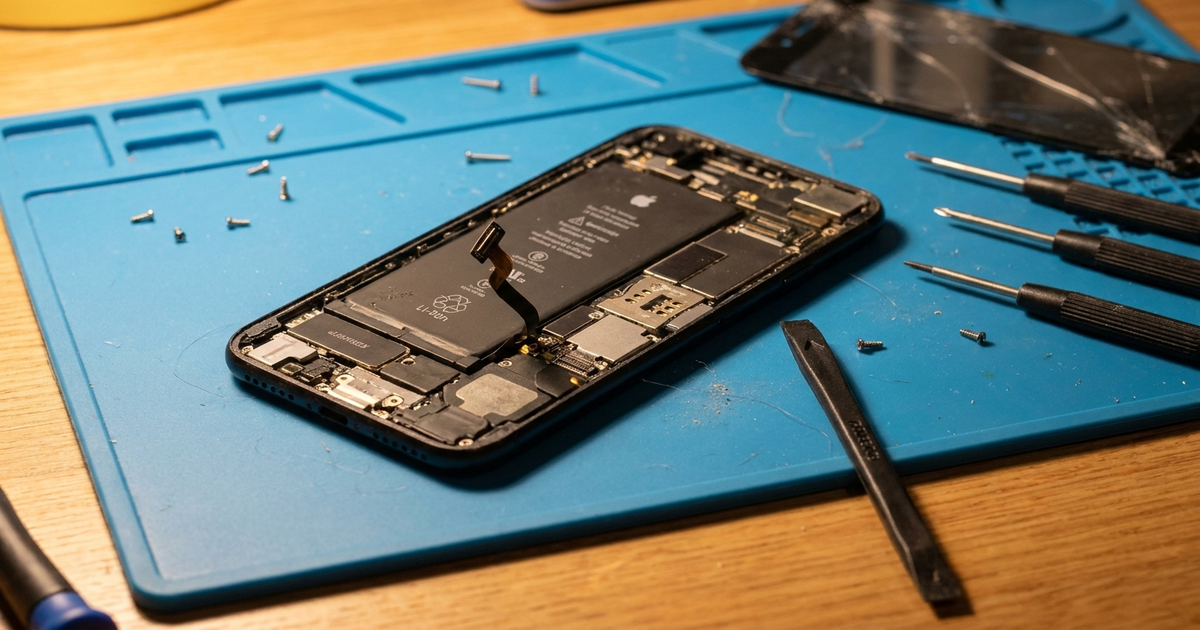
The most dangerous DIY phone repair mistake is puncturing the battery. It is also one of the least likely. The mistakes you are most likely to make are duller: tearing a flex cable, losing a small screw, or fitting a part your phone refuses to trust afterwards. Swapping a screen or battery on a standard slab phone is a realistic home job for a careful person. Opening a foldable's inner display is not. Below, each risk is ranked by how often it tends to bite and how bad it is when it does.
How the risks stack up
This is my editorial ranking, built from iFixit's guidance, forum reports and repair-shop case accounts. It is a judgment, not a measured failure rate. Nobody has published a trustworthy one (more on that below).
| Risk | How likely | How bad | Main defence |
|---|---|---|---|
| Parts-pairing lockout ("Unknown Part") | High on iPhones with non-Apple parts | Lost features; annoying, not dangerous | Check part compatibility before buying |
| Torn flex cable or damaged connector | Moderate | Dead touch, camera or charging | Right tools, slow prying |
| Wrong screw in the wrong hole | Moderate | Can damage the board | Map screws as you remove them |
| Lost water resistance | High once opened | Liquid damage later | Fresh adhesive; assume the rating is gone |
| Voided or limited warranty | Depends on the maker | Financial | Read the terms before opening |
| Battery puncture and thermal runaway | Low | Fire and injury | Discharge first; no metal tools near the cell |
Is the battery fire risk real?
Yes, but it is a technique problem. iFixit's 2022 battery-stab experiment led to its advice to discharge a phone below 25% before opening it, and it says never to work on a swollen battery. A data-recovery firm has described a razor blade that punctured a battery during a screen repair and set off thermal runaway. That is a vendor's account, but it matches the mechanism iFixit warns about. If a cell is swollen, punctured or otherwise compromised, iFixit says not to mail it and to take it to an e-waste drop-off. Most DIY guides skip that last step. See iFixit's swollen battery guidance.
Why do phones say "Unknown Part" after a screen swap?
Parts pairing ties a component to the phone's serial number. Fit a third-party display and some iPhones show an "Unknown Part" warning. Users on Apple Community threads and iFixit Answers report lost Face ID or True Tone after such swaps. Some posters call the loss permanent, but that is a forum claim, not an Apple statement. Workarounds, such as moving the display IC or using a programmer, give mixed results. Coverage of Hugh Jeffreys' iPhone 17 Pro teardown says pairing warnings remain in iOS. The practical point: a cheap screen that works fine on the bench can still cost you features, and that belongs in the price comparison in our phone screen repair cost guide.
Hugh Jeffreys, an independent repair YouTuber, walks through common iPhone repair errors in the video above. I could not verify its upload date, so treat the specifics as general advice.
Why are foldables a separate risk tier?
iFixit's October 25, 2026 teardown of the iPhone Duo gave it a provisional 5/10 repairability score, the highest it has given a foldable. Even so, it said fixing the inner screen "is still going to be a bear" and called the adhesive work "delicate, finicky work." Apple's procedure calls for specialized fixtures and precise alignment, the teardown needed five screwdriver types, and out-of-warranty inner-display damage costs $999. In iFixit's dust test the hinge "started crunching," and The Register's summary noted the price could put owners off repairing the phone at all. The battery detail is useful too: its electrically releasable adhesive is meant to let batteries out cleanly, and the metal shell guards against puncture "if the electrical debonding fails and you have to resort to solvents and prying." For how foldables hold up in daily use, see our foldable phone durability guide. My read: a foldable's inner screen and hinge are not a home job.
Do the new repair laws make DIY safer?
They make it easier to get parts, tools and manuals. They do not make the repair itself less risky.
- Texas (September 1, 2026): HB 2963 covers phones, laptops and tablets with a wholesale price of at least $50 first sold in Texas on or after that date. Manufacturers must supply parts, tools and documentation to consumers and independent shops. Only the Texas Attorney General can enforce it, and makers get a 30-day cure period.
- EU directive (July 2026): Member states had to transpose it by then, but coverage warns that national implementations vary.
- EU battery rule (February 18, 2027): Phones and tablets sold in the EU must have batteries that are "readily removable and replaceable" by the user. Exemptions may apply, possibly including iPhones. That is unconfirmed.
- UK: The government plans to extend the rules to smartphones and tablets from July 1, 2027, reportedly with 7-year parts availability. I could not confirm when this was announced.
Parts access helps with the pairing problem and with finding the right-length screws. It does nothing for a slipped blade near a battery. Whether a repair is worth attempting at all is a separate question, covered in our replace vs repair your phone decision framework.
Is it true that 30% of DIY repairs cause more damage?
Don't trust it. That claim traces back to a single repair-shop blog with no source given. Much of the "DIY is dangerous" content comes from shops that sell repairs, including a YouTube video titled "90% Fail DIY Phone Repair" from a shop channel. The DIY side has its own bias: one r/iPhoneXS poster paid about $10 for a battery, spent about 30 minutes and said the phone felt like new. Another Lemmy user still got under 4 hours of battery life on a 12 mini after a swap. Balanced takes exist. SlashGear's answer is "Yes, But There Are Risks," and iFixit keeps a list of the 10 things most likely to go wrong. BGR covers the classic mistake of not unplugging the battery connector first.
FAQ
Should I replace a cracked screen myself?
On a standard phone with a battery and screen job, it is realistic if you have the right tools and patience. Expect pairing issues on recent iPhones if the part isn't from Apple, and assume water resistance is compromised.
What should I do before opening a phone?
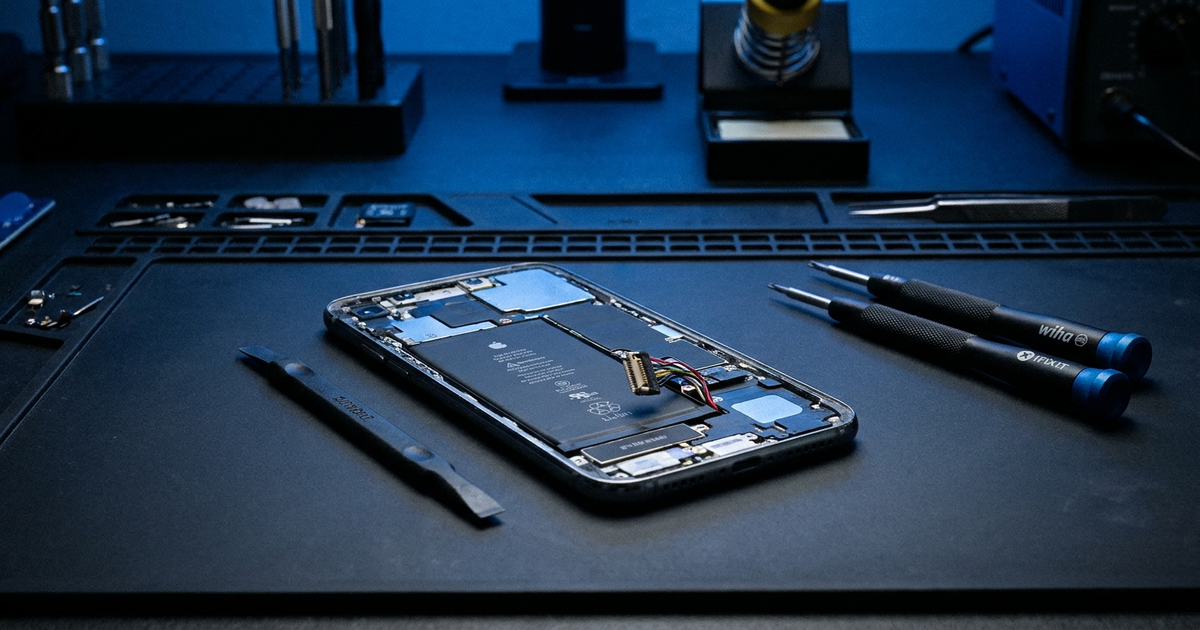
Discharge it below 25%, power it off, and disconnect the battery connector first.
What if the battery is swollen?
Stop. iFixit says never to work on a swollen battery. Take the phone to a repair shop or e-waste drop-off rather than mailing the cell.
Sources: iFixit — iPhone Duo teardown · The Register — iFixit on the Duo · 9to5Mac — Duo teardown · MobileSyrup — iFixit battery fire tips · PIRG — Texas right to repair · Android Central — EU replaceable batteries · SlashGear — cracked screen risks · BGR — battery connector mistake
Updated October 2026
Transparency note: This article was researched and written by Chester Takau with AI assistance for research gathering and drafting. All recommendations reflect the author's own editorial judgment.