AI Tools for Content Creators: What Actually Changed My Output in 2026
By Chester Takau · July 2026
The short answer: a general-purpose assistant (Claude or ChatGPT) for drafting and ideation, one editing/repurposing tool (Descript or Opus Clip) if you work in video, and Canva for visuals is the honest starting stack — not the twenty-tool lists most roundups push. I used to publish one article a month. With AI handling first drafts, research synthesis, and repurposing, I now publish roughly one a day. That's not because AI writes better than I do. It's because AI removed the mechanical bottleneck, and I still supply the idea, the editing pass, and the judgment call on what's worth publishing at all.
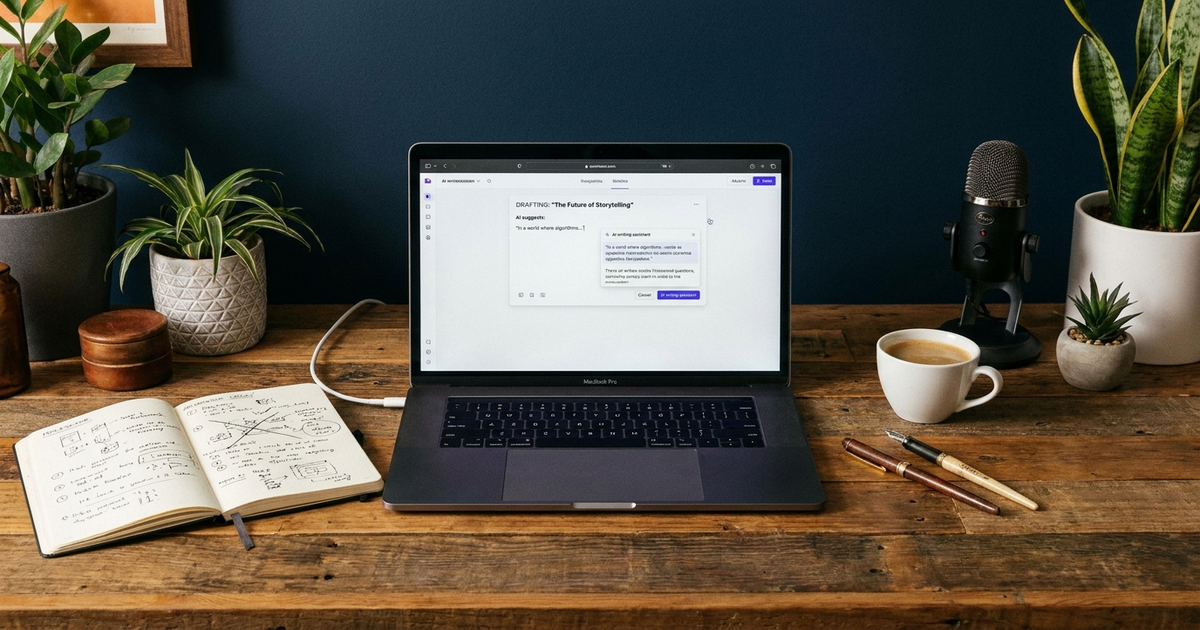
Before I go through the tools, the framing matters more than the list. There are two kinds of bad content right now: AI slop, where a tool generated the whole thing and nobody edited it, and human slop, which is a person's unedited first draft with no research, no structure, and no proof they know the subject. Neither one is worth publishing. The mix that actually works is a human idea, a human's real experience or research, run through AI for speed — not AI generating the idea from nothing. That distinction is the difference between scaling your output and just producing more noise faster.
Which AI tools should a content creator actually start with?
Start with one assistant, not a stack. Anthropic launched Claude Sonnet 5 on June 30, 2026, now the default model for Claude Free and Pro, and it's a meaningful step up for long-form drafting and staying on-topic across a long piece — the kind of work that used to eat an entire afternoon. OpenAI shipped GPT-5.5 across its plans on April 23, 2026, and it remains the more common choice for fast brainstorming and outlining before a piece gets written. Which one you pick matters less than picking one and learning its quirks; if you're weighing the two directly (plus Gemini) for your own workflow, ChatGPT vs Claude vs Gemini breaks down where each one actually wins. Canva also now runs design generation directly inside ChatGPT — you can create, preview, and edit a Canva design without leaving the conversation, which collapses a handoff that used to mean switching apps entirely.
Which AI tools are worth paying for, and which are just hype?
This is the most-asked version of the question in creator communities right now, and the honest answer is that value depends entirely on whether the task repeats. A general chatbot subscription earns its cost the moment you're using it daily for drafting or research — that's roughly $20/month well spent. Purpose-built tools are where people overspend: reviewers and creators consistently praise Descript and Opus Clip for cutting editing and clipping time by 60–80%, but only if you're actually producing enough video to need that automation weekly. Buy the specialized tool once the task is frequent, not before. Nobody publishes a real monthly total for a full creator stack, so here's a realistic one:
A realistic monthly AI content stack
| One general assistant (Claude or ChatGPT) | ~$20/mo |
| Descript or Opus Clip (video editing/repurposing) | ~$25–30/mo |
| Canva Pro (visuals) | ~$13–15/mo |
| Minimum viable stack (writer/blogger, no video) | ~$20–35/mo total |
| Full stack incl. voice + SEO tool | ~$100–150/mo total |
If you're writing-first and not producing video, the minimum viable stack is genuinely just one assistant and Canva. Everything past that is a decision you make once a specific task becomes a weekly habit, not a purchase you make in advance of needing it.
How do you use AI without the content sounding obviously AI-generated?
This is where most people get the workflow backwards. AI is fastest at production — turning an idea into structured sentences. It's weakest at knowing what's actually worth saying. The order that works: write the idea and the specific experience or data point yourself first, in your own words, even roughly. Then use AI to expand, restructure, and tighten that material. If you reverse the order — asking AI to generate the idea and the opinion from a bare topic — you get the generic, templated tone that's now driving the exact backlash creators are trying to avoid. I went from one published article a month to about one a day using this order, not the reverse one. The AI didn't replace the thinking. It removed the hours I used to spend on formatting, restructuring, and first-draft mechanics.
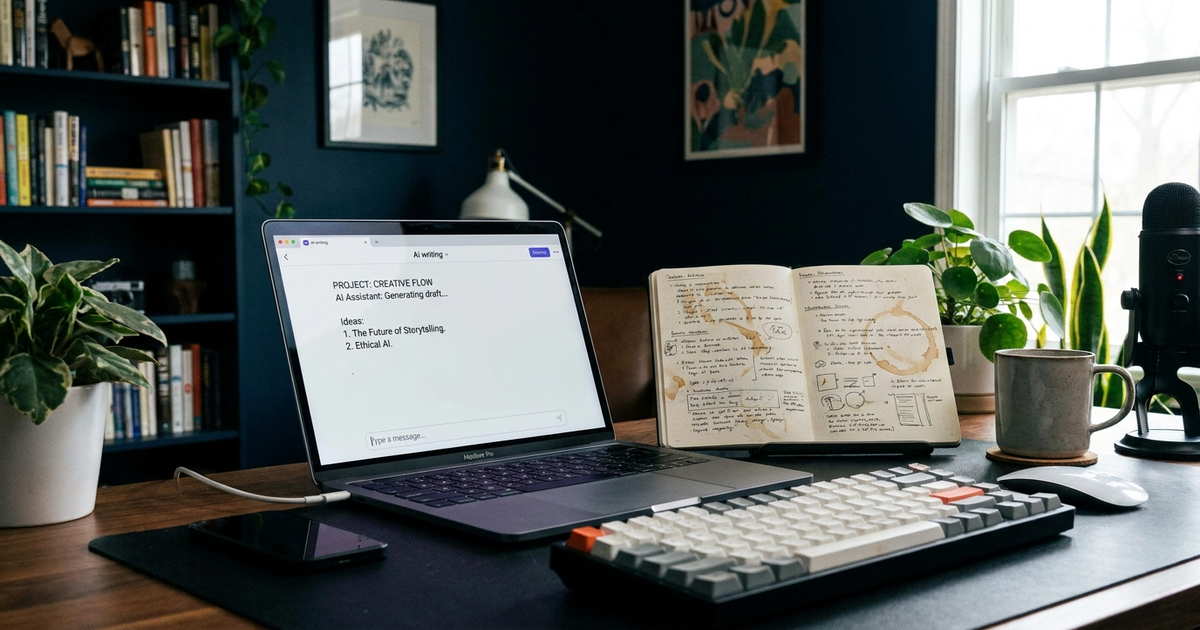
The signal that gives away unedited AI output isn't vocabulary, it's the absence of a specific, checkable detail — a real number, a real date, a real outcome only someone who did the thing would know. Editing for that is the actual "de-AI-ification" skill, and it's a five-minute pass, not a rewrite.
Matt Wolfe, one of the more consistently reliable voices tracking this space, runs through what actually changed for creators and marketers in his 2026 rundown above — worth watching if you want a broader view of the tool landscape beyond any single list.
Do you have to disclose AI use now, and will it hurt your views?
Yes, and it's no longer optional. YouTube updated its policies in early 2026 to require clear indicators on synthetically generated media, and the FTC has pushed "double disclosure" for sponsored content that also involves AI. The bigger reason to disclose isn't compliance, though — it's that audiences are already assuming AI involvement whether you say so or not. Consumer sentiment data circulating in 2026 shows only 19% of people say they feel excited about AI, down from 50% two years earlier, and only 26% now prefer AI-assisted creator content over traditional human content, down sharply from 60% in 2023. Those numbers come from advocacy-adjacent research and should be read as a directional signal, not a precise measurement — but the direction matches what's showing up in comment sections and creator forums everywhere. Being upfront about where AI helped and where you didn't use it at all is increasingly a trust signal, not a liability.
Is the AI backlash actually a problem for creators using these tools?
It's a problem for creators using AI badly, and an opportunity for creators using it well. Digiday reported that after the 2025 flood of AI-generated content, "messiness" and visible humanity are now being marketed as premium — a direct reaction to feeds full of interchangeable AI posts. Coca-Cola's AI-generated remake of its "Holidays Are Coming" ad in December 2025 became the cautionary case study creators cite most, drawing backlash for feeling hollow despite (or because of) the polish. None of this means stop using AI tools. It means the tools are now table stakes, and the differentiator has shifted back to whether there's a real person with real judgment behind the output. A 2026 trends report on AI content saturation covers the sentiment shift in more depth if you want the fuller picture.
There's AI slop, and there's human slop. The best content isn't AI instead of human, or human instead of AI — it's a human idea and a human's real experience, scaled with AI.
What's the minimum viable AI stack for a solo creator on a budget?
One assistant, used consistently, beats five tools used occasionally. If you're writing text content, that's a single Claude or ChatGPT subscription plus free-tier Canva — call it $20/month. If you're producing video, add one editing/repurposing tool once you're publishing weekly, not before; a documented Opus Clip workflow shows what that looks like once long-form video becomes a real part of your output. For video specifically, InVideo AI is worth knowing about because it's currently the only platform bundling both OpenAI's Sora 2 and Google's VEO 3.1 in one subscription rather than requiring separate accounts — useful if you're deciding between one bundled tool and several narrow ones, a trade-off Zapier's 2026 AI video generator comparison lays out well. Getting more out of whatever assistant you land on, before adding anything new, comes down to how well you can direct it — what is prompt engineering covers that skill directly, and what is an AI agent explains the next layer up once you're ready to chain tasks instead of running them one at a time.
The bottom line
AI tools didn't make me a better writer. They made me a faster one, on the mechanical parts I was already doing manually — research synthesis, first drafts, repurposing one idea into several formats. The ceiling on quality is still set by whether the idea and the experience behind it are real. Pick one assistant, learn it properly, add a specialized tool only once a task repeats often enough to justify the subscription, and keep the editing pass that catches the generic sentence before it publishes. That's the entire system behind going from one article a month to one a day — not a bigger tool list, just a better order of operations. If you're earlier in the process and still deciding what to try first, best AI tools for beginners is the wider starting-point guide, and for creators running a small content operation alongside other business tasks, AI tools for small business owners covers the overlap between the two.
Transparency note: This article was researched and written by Chester Takau with AI assistance for research gathering and drafting. All recommendations reflect the author's own editorial judgment.