Does AI Upscaling Actually Work?
By Chester Takau · July 2026
Yes, but with a real ceiling: AI upscaling in 2026 genuinely reconstructs plausible detail instead of just stretching and sharpening pixels, and on most sources it closes the gap to native resolution enough that you won't notice on a normal screen at a normal distance. What it can't do is recover detail that was never captured in the first place — it's making an educated guess, and that guess gets worse on faces, small text, and heavily compressed or low-light footage, where it tends to produce the "waxy" or "melted" look people complain about. Whether it's worth turning on depends entirely on the source and what you're using the result for. Here's what actually holds up.
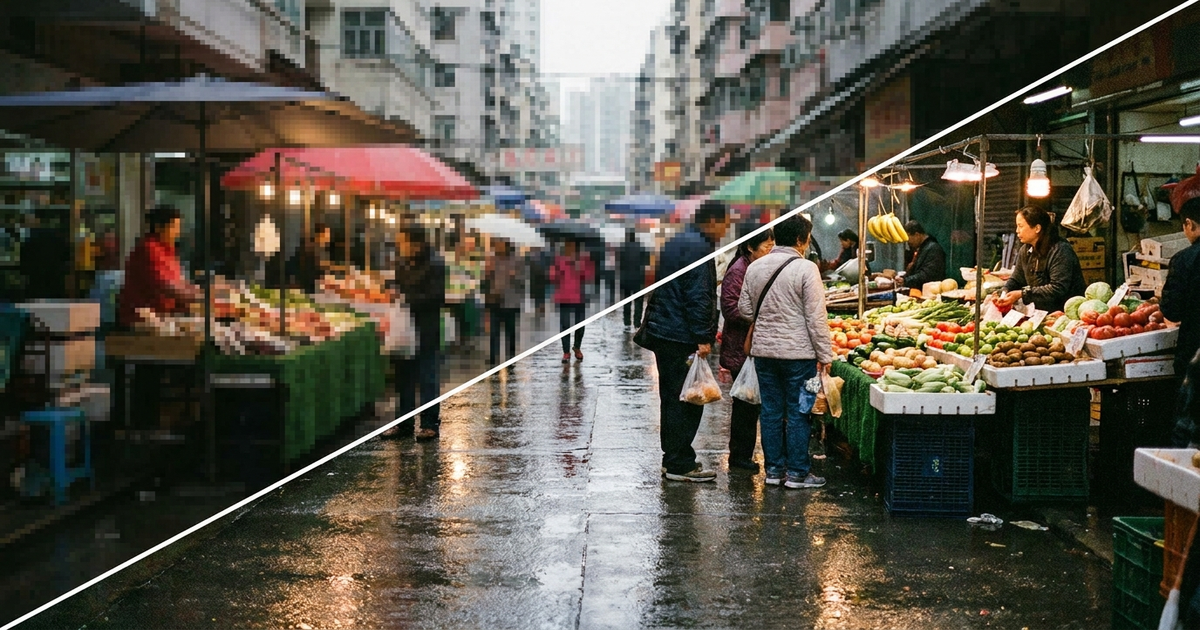
Does it add real detail, or is it just guessing?
Both, and that's the part most explainers skip. AI upscaling models are trained on millions of pairs of low-res and high-res images, so when they see a blurry patch of, say, tree bark or brick, they reconstruct texture that's statistically consistent with what bark or brick usually looks like — not the exact pixels the camera missed. A April 2026 technical breakdown on how super-resolution actually works puts it plainly: this is reconstruction, not measurement. For repeating, generic textures it's convincing. For anything specific — a face, a street sign, a tattoo — the model has no way to know if it guessed right, and that's where the ceiling shows up.
Why does AI-upscaled video look "fake" or waxy?
Because the models optimize for smoothness, and smoothness reads as "clean" to the algorithm even when it erases the texture that makes skin, hair, or fabric look real. The most common complaint about AI upscaling is exactly this — pores and fine detail get flattened into what looks like a wax figure, edges pick up faint halos, and running footage through two upscalers back to back doubles the smoothing instead of the sharpness. The cautionary example the whole industry still points to is Netflix's AI-upscaled re-release of the 1980s sitcom A Different World in March 2025: viewers reported "lava lamp" body distortions, melted faces, and garbled background text, and it became the standard warning against running AI restoration without a human checking every frame. The lesson held into 2026 — automated upscaling without review is still a gamble on anything with faces in it.
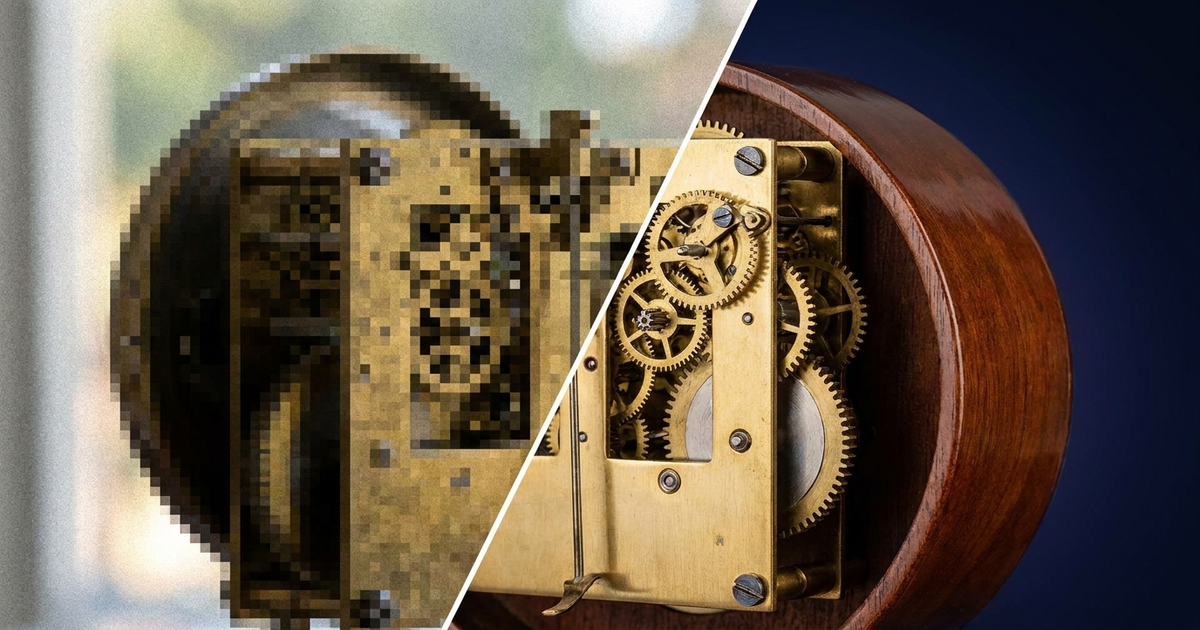
Photographer Keith Cooper ran a more practical version of this test in May 2026, printing an AI-upscaled 11-megapixel photo at fine-art size to see whether invented detail actually matters once it's on paper. His reported conclusion, per fstoppers' write-up, is a reasonable line for anyone deciding whether to upscale a photo: invented detail is fine for enlarging a landscape or a texture, but he draws a personal line at using it to fabricate a different crop, since distant faces in a crowd can come out looking unsettling once the model starts inventing features that were never there.
Is upscaled 4K noticeably worse than native 4K?
On a phone or a normal-sized TV at normal viewing distance, usually not. The consensus among video reviewers in 2026 is that upscaling "closes the gap significantly but doesn't eliminate it" — the difference shows up on very large screens, or when you're sitting close enough to study fine detail rather than watch the movie. Where it becomes obvious fastest is fast motion and fine repeating patterns, like a striped shirt or a chain-link fence, where the model has to guess frame to frame and can flicker or smear. If you're buying a large TV specifically to watch upscaled streaming content, that's the scenario worth testing in-store before you commit, not the calm establishing shots demo reels use.
Should you leave your TV's AI upscaling on, or turn it off?
Leave it on for genuinely low-res sources — old DVDs, standard-definition cable, compressed streams — where it has real headroom to improve things. Turn it off, or at least turn the intensity down, on already-good sources, because pushing a strong upscaler on top of clean 4K content is what produces over-sharpened edges and that plasticky look. The same logic now applies to YouTube: as of October 29, 2025, YouTube began auto-applying its own AI "Super Resolution" to sub-1080p videos, upscaling old SD clips toward HD (4K is planned) while keeping the original file untouched. After creator pushback about videos being altered without permission, Google added a per-video opt-out in the YouTube Studio settings — worth using if you'd rather viewers see your original encode than Google's reconstruction of it.
Which upscaler is actually best right now?
It depends on what you're feeding it. For a clean photo you want printed larger, reviewers in May 2026 hands-on tests still rank Topaz Gigapixel ahead of the pack — with the same caveat repeated across reviews: it "can create plausible detail, but cannot recover measurements that were never captured." For AI-generated art specifically, Real-ESRGAN 4x+ is the benchmark favorite. For a scanned, noisy, or heavily compressed source, BSRGAN is built to handle artifacts and grain better than either. On the gaming side, DLSS 4.5 (Nvidia, announced at CES 2026 with a second-generation transformer model and Multi Frame Generation 6X) and AMD's FSR 4 — now past 300 supported games, up from roughly 30 at launch, after moving to the same transformer-based approach Nvidia uses — have both closed most of the visible gap to native rendering in modern titles. It's not quite a placebo anymore, but it's also not indistinguishable in every game; newer transformer-based versions hold up noticeably better than the pixel-stretching upscalers from a few years ago.
What's the realistic ceiling — is 2x safe but 4x risky?
As a rough rule: 2x is safe for almost anything, including faces and text, because the model doesn't have to invent much. 4x is fine for landscapes, objects, and generic textures, where a wrong guess just blends into more of the same pattern. 4x gets risky specifically on faces, small legible text, and anything where a viewer could reasonably check the result against a known original — a document, a license plate, a face someone would recognize. Past 4x, most tools are extrapolating more than reconstructing, and the market reflects how far that's still being pushed: the AI image-upscaler market was valued at roughly $6.3 billion in 2025 and is estimated at $8 billion in 2026, per Grand View Research, with super-resolution the fastest-growing segment of it.
When should you not bother upscaling at all?
Skip it on anything already sharp — you'll just add artifacts with nothing to gain. Skip it on crowd scenes and small legible text, since that's where hallucinated detail is most likely to be visibly wrong rather than just imperfect. And be careful with anything evidentiary — a photo you might need to submit as-is for identification, insurance, or legal purposes — since an upscaler's invented detail can misrepresent what the source actually showed. A practical 30-second gut check works on any photo before you trust an upscale: zoom to 100% on the eyes, on any visible text, and on a repeating texture like fabric or brick. If those areas look suspiciously smooth, uniform, or "airbrushed" compared to the rest of the image, the model filled in more than it recovered.
Upscaling is one small piece of a much bigger trend of "AI" getting stamped on features that used to be simple hardware specs — the same branding shows up on things like the best AI robot vacuums 2026, where the AI label means object recognition and mapping rather than anything to do with image quality. If you're running an upscaler locally instead of through a cloud service, that's the kind of workload that actually justifies the NPU in a modern machine — AI laptop features explained: what NPUs, TOPS, and Copilot+ actually do covers what those chips are built for. And the same "captured less than it appears to show" problem shows up in the small, compressed sensors packed into today's wearable technology guide-style devices, where AI is routinely asked to reconstruct detail a tiny lens never actually recorded.
Transparency note: This article was researched and written by Chester Takau with AI assistance for research gathering and drafting. All recommendations reflect the author's own editorial judgment.