NPU vs GPU vs TPU Explained: Which AI Chip Actually Does What
By Chester Takau · July 2026
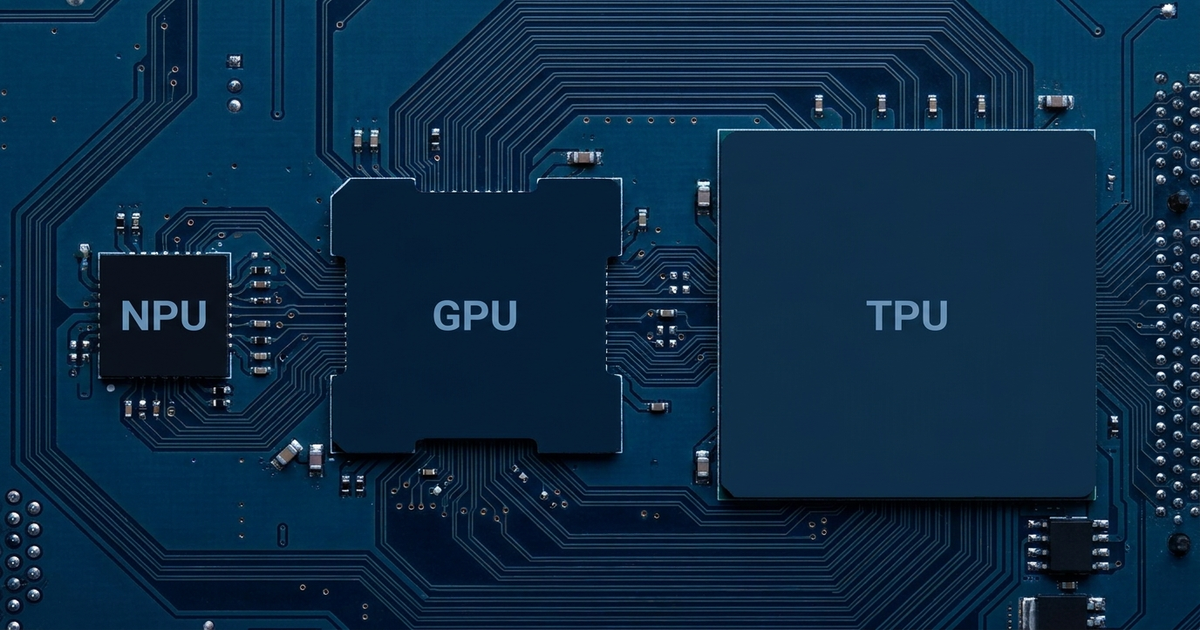
NPU vs GPU vs TPU comes down to one question: how much power is the chip allowed to use, and how many people is it serving at once? An NPU (neural processing unit) runs inside your phone or laptop on a couple of watts, doing small AI jobs like blurring a video background or transcribing your voice, without draining the battery. A GPU (graphics processing unit) burns anywhere from 150 to over 600 watts and is what actually trains and runs the large models you talk to — ChatGPT, Claude, and everything else living in a data center or a gaming PC. A TPU (tensor processing unit) is Google's custom chip, built only for AI math, that you'll never see for sale because it only exists inside Google's own data centers. Same broad category — silicon built to accelerate AI math — three completely different jobs.
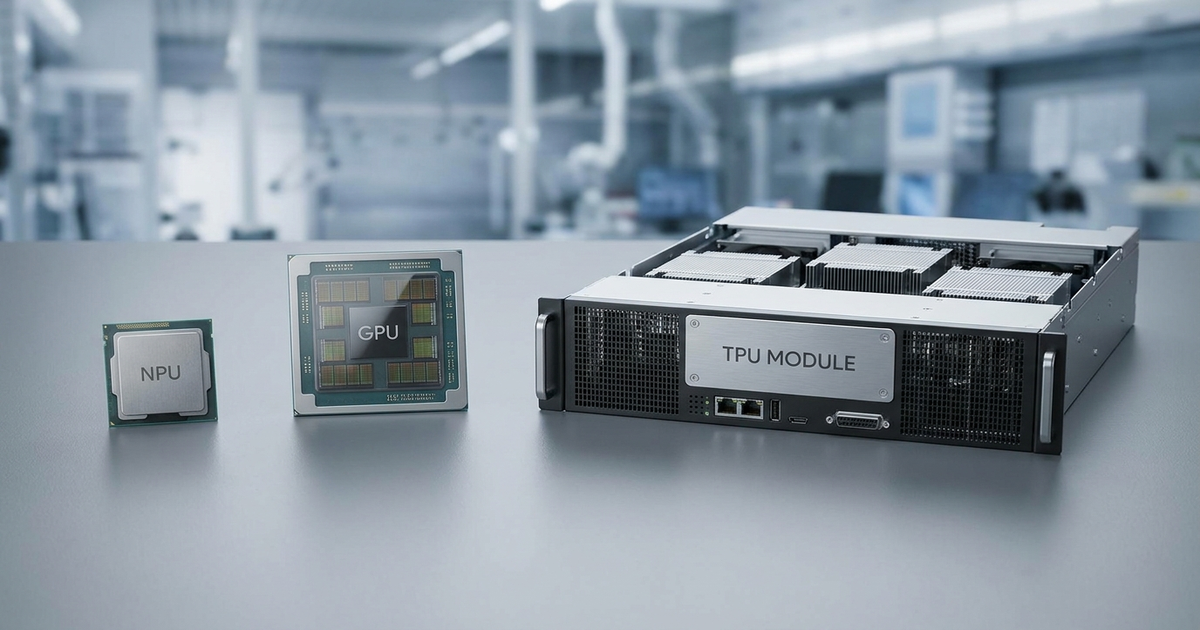
Side-by-side comparison
| Category | NPU | GPU | TPU |
|---|---|---|---|
| Where it lives | Inside your phone, laptop, or tablet chip | Gaming PCs, workstations, data centers | Google's own data centers only |
| Can you buy one | Yes — built into most 2025-26 devices | Yes — any electronics retailer | No — Google Cloud rental only |
| Typical power draw | ~1-2 watts, always-on | 150-600+ watts, burst | Data-center scale, shared |
| Headline spec | 40-80 TOPS (Copilot+ PCs) | 1,300+ TOPS (RTX 4090) | Ironwood: 9,216-chip pods |
| Best at | Small, constant, background AI tasks | Running and training large models fast | Training/inference at Google-scale cost |
What is each chip actually doing in the device in your hand?
Most explainers stay in spec-sheet land. Here's the concrete version. If you own a 2025-26 phone, laptop, or even a smartwatch or ring, the NPU inside it is quietly handling things like keyboard next-word prediction, portrait-mode background blur, live captioning, and voice wake-word detection — small, constant jobs that would drain a battery fast if the CPU or GPU had to do them instead. NPUs have spread well beyond phones and laptops now; the same low-power AI silicon shows up in the sensors packed into modern wearable technology, running heart-rate pattern detection and gesture recognition on a coin-cell battery. If you have a gaming PC or a discrete graphics card, that GPU is what actually renders games — and increasingly, it's also what runs a local AI chatbot at usable speed if you install one yourself. The TPU is the one chip here you almost certainly haven't touched directly: unless you're a developer running workloads on Google Cloud, or using a Google product like Search or Gemini that calls one behind the scenes, you'll never interact with a TPU at all.
If my laptop already has a GPU, why do I need an NPU too?
Because they're optimized for opposite ends of the power budget, not competing at the same job. A useful 2026 framing that's widely cited: a task that takes an NPU about 100 milliseconds at roughly 2 watts might take a discrete GPU only 20 milliseconds — but at around 150 watts. The GPU wins on raw speed by 5x. The NPU wins on efficiency by roughly 75x. For a one-off task like generating an image, you want the GPU's speed. For something your device does hundreds of times an hour, all day, on battery — keyboard prediction, camera scene detection, background noise suppression on a video call — that 75x efficiency gap is the entire reason NPUs exist. Running that constantly on the GPU would be like using a car engine to power a doorbell.
Can a Copilot+ PC's NPU actually run a local LLM?
Technically yes, practically slowly. This is the gap most AI PC marketing glosses over. On a Snapdragon X Elite NPU, an 8-billion-parameter local model runs at roughly 5-10 tokens per second — noticeably slower than you can read. A used RTX 3090, a several-year-old discrete GPU, runs the same model at around 100 tokens per second. That's not a fluke of one benchmark; it's because generating text is memory-bandwidth bound, and a discrete GPU's memory bus is built for exactly that kind of sustained, heavy throughput in a way a mobile NPU isn't. We covered the NPU side of this hardware in more depth in our AI laptop features and TOPS explainer, including what actually qualifies a machine as a Copilot+ PC. The short version for local LLMs: an NPU can run a small model adequately. If you want an 8B-70B model to feel responsive, you still want a discrete GPU with real VRAM.
Why won't Ollama or LM Studio use my NPU?
Because the popular local-AI tools were built around GGUF model files that route to your CPU or GPU by default, not your NPU. Getting a model to actually run on the NPU means converting it to ONNX format and running it through a vendor-specific runtime — Qualcomm's QNN or Intel's OpenVINO — which most hobbyist tools don't do automatically. That's a deliberate, technical, opt-in step, not a checkbox in the app. So when someone installs Ollama on a brand-new Copilot+ laptop and sees the fan barely spin while the CPU maxes out, that's not a bug — the software is correctly ignoring hardware it was never wired to use.
Is 40 TOPS enough? What do the TOPS numbers actually mean?
TOPS — trillion operations per second — is a ceiling, not a promise. Microsoft's Copilot+ PC bar sits at 40 TOPS of NPU performance, and newer chips push 48 or 80 TOPS, but a bigger number doesn't mean your day-to-day AI features get noticeably faster, because most everyday NPU tasks were never bottlenecked by TOPS in the first place — they're bottlenecked by whether an app was built to use the NPU at all. Put the number in context: a discrete RTX 4090 advertises over 1,300 TOPS, roughly 29 times an 80-TOPS laptop NPU. The NPU was never trying to compete on that axis. It's optimized for staying under a couple of watts while running constantly, not for winning a TOPS benchmark against a card that pulls 450 watts under load.
TPU vs GPU — can you even buy one?
No, and that's the detail most TPU-vs-GPU comparisons skip. Google made its 7th-generation Ironwood TPU generally available on Google Cloud in 2026, and previewed 8th-generation TPU 8t (training) and TPU 8i (inference) chips built on TSMC's 2nm process, expected to reach general availability later this year. Ironwood pods scale to 9,216 chips working together, and Google cites it as roughly 30 times more power-efficient than its first-generation TPU, with performance-per-watt figures around 2-3x better than comparable GPU setups at scale. That efficiency claim is genuine, but it only matters if you're renting Google Cloud infrastructure — there's no retail Ironwood chip to install in a desktop. Meanwhile NVIDIA still holds an estimated 81% of the AI data-center chip market according to IDC, because its GB200 NVL72 platform and the CUDA software ecosystem built around it remain the default for nearly everyone who isn't Google itself. TPU and GPU aren't really fighting over the same customer — Ironwood targets Google's own inference bill, GPUs stay the default for everyone else building or renting AI infrastructure.
The video above walks through all four processing units side by side — sequential tasks on the CPU, parallel workloads on the GPU, large-scale training on the TPU, and on-device inference on the NPU — if you'd rather see the architecture laid out visually than read it in table form.
So which one should you actually care about?
You're buying a laptop mainly for battery life and everyday features:
The NPU matters. A Copilot+ PC's 40+ TOPS handles background blur, live captions, and voice features all day without hammering your battery. Don't pay extra chasing a bigger TOPS number beyond that — the software support, not the spec, decides what you'll actually notice.
You want to run a real local LLM — 7B, 8B, or larger — at usable speed:
Skip the NPU story entirely and budget for a discrete GPU with plenty of VRAM. It's not close, and no amount of TOPS marketing changes the memory-bandwidth math.
You're deciding what AI hardware to actually pack for a trip:
An NPU-equipped laptop is the practical travel choice — it runs offline translation, transcription, and photo edits all day on one charge, which matters more on the road than raw model speed. Our 2026 travel tech packing list covers what's actually worth bringing versus what's dead weight.
You're just curious what's inside your phone or laptop:
Almost certainly an NPU, and it's been quietly running for years before "AI PC" became a marketing term. It's not a reason to upgrade by itself.
The honest state of play in 2026: NPUs are everywhere, but the software ecosystem hasn't caught up to the hardware — most tools still ignore the NPU sitting idle in your device. GPUs remain the only realistic option once you want real AI horsepower on hardware you own. And TPUs are a genuinely efficient, genuinely impressive piece of engineering that almost nobody reading this will ever get to buy. Three different chips, three different jobs, and the "which is best" question only makes sense once you say what you're actually trying to do.
Transparency note: This article was researched and written by Chester Takau with AI assistance for research gathering and drafting. All recommendations reflect the author's own editorial judgment.
Related on AIGadgeTech: Best AI Smart Speakers 2026: Which One Should You Actually Buy; Best AI Powered Earbuds 2026: Which Translation, Transcription, and ANC Models Are Worth It; AI Chips in Your Devices Explained: What Every NPU Actually Does