What Is a Smart Home Hub? A Plain-English Answer for 2026
By Chester Takau · August 2026
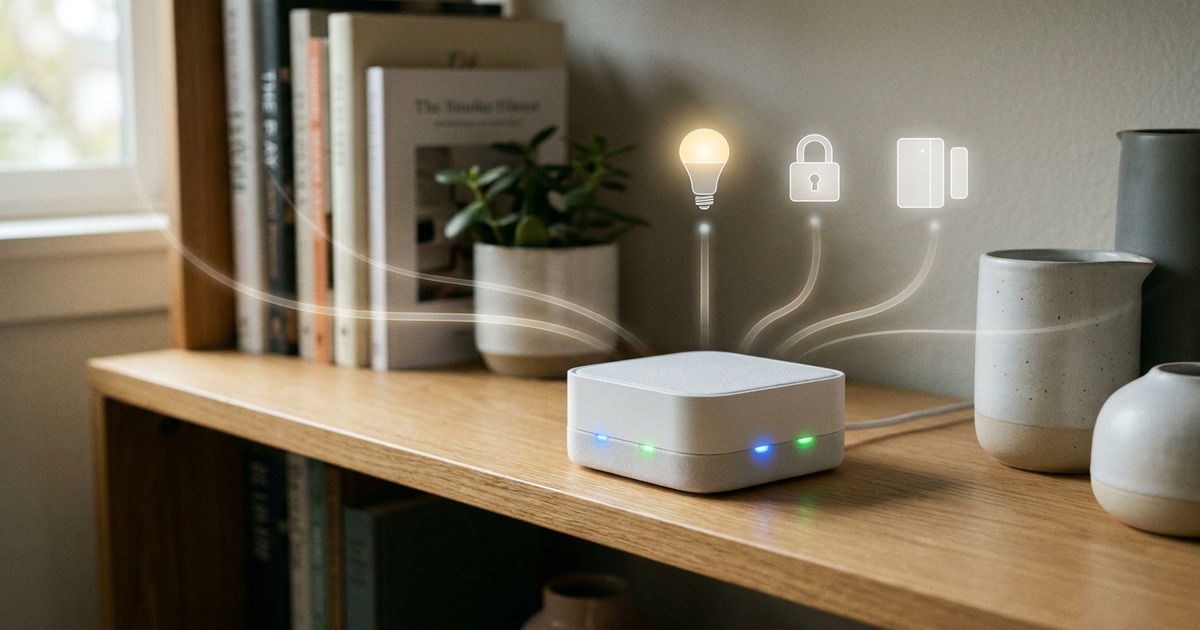
A smart home hub is the device that lets your bulbs, locks, sensors, and plugs talk to each other and to you through one app, instead of six separate ones. It bridges different wireless standards — Zigbee, Z-Wave, Thread, and now Matter — onto a single local network, runs your automations, and, on the better units, keeps working when your internet drops. A hub isn't the same thing as a voice assistant, though the two increasingly share a box: an Amazon Echo or Google Nest speaker can quietly double as a hub, while a dedicated unit like the Aqara Hub M3 exists purely to manage devices in the background.
At a Glance: Ranked Comparison
| # | Model | Best for | Why it ranks |
|---|---|---|---|
| 2 | You probably already own one | ||
| 3 | Do you actually need a dedicated one? | ||
| 4 | What it costs | and the subscription risk nobody scores for |
1. The four things people call "a hub" (and why that's confusing)
Most buying guides use "hub," "Matter controller," "Thread border router," and "Matter bridge" as if they're interchangeable. They're related but distinct jobs. A hub is the general term for any box that manages devices. A Matter controller is the app-and-account layer that lets you add, name, and command a Matter device. A Thread border router is the radio that connects your low-power Thread mesh (used by newer bulbs and sensors) to your regular Wi-Fi network. A Matter bridge translates an older Zigbee or Z-Wave device into something Matter controllers can see. Aqara's $59.99 Hub M200 is a useful example precisely because it does all four jobs in one box, which is exactly why the terms get blurred.
2. You probably already own one
Before buying a dedicated box, check what's already plugged in. Matter Alpha's maintained list of certified Thread border routers — last updated 7 August 2026 — includes the Amazon Echo (4th Gen, Dot Max, Show 8/11), Apple TV 4K, HomePod and HomePod mini, Google's Nest Hub 2nd Gen, Nest Hub Max, and Nest Wifi Pro, plus a SmartThings Station. If you own any of those, part of the "hub" job is already running quietly in your living room. If you split time between home and travel, our travel tech packing list covers which portable routers can moonlight as a border router at a rental, so temporary automations don't fall apart the moment you leave home Wi-Fi.
3. Do you actually need a dedicated one?
This is the exact question people ask in forums like Tom's Guide: if a smart display can already run routines, what does a separate hub add? The honest answer is local speed and offline reliability. A dedicated hub runs automations on-device in well under a second and keeps them alive when your internet drops; a cloud-dependent routine on a smart speaker has to round-trip through a vendor's server first. If your needs stop at a handful of smart bulbs, Zigbee devices typically pair straight into an existing speaker-hub with no extra box required — the real trigger for a dedicated hub is once you're building multi-step routines in the Alexa app or a rival ecosystem and want them to survive a router reboot without you noticing.
4. What it costs — and the subscription risk nobody scores for
As of June 2026, dedicated hubs ranged from Aqara's $59.99 Hub M200 up to the Amazon Echo Hub at $179, with the Aeotec SmartThings Hub v3 around $170–$220. That price comparison used to be the whole decision. It no longer is: Samsung confirmed that from October 2026, SmartThings API access requires a $4.99/month plan once free usage limits are hit — a cost that reaches Home Assistant users who rely on that integration, not just the official app. Worth weighing against similarly priced hardware in our cheap tech picks that actually held up roundup. The practical buying rule for 2026: check whether a hub's core automations run locally (Home Assistant, Hubitat, Homey) or depend on the vendor's cloud (SmartThings, most Alexa routines) — the local ones are the ones a future paywall can't touch.
Automate Your Life's 2026 beginner build above walks through picking a platform before buying any hardware, which is the right order — most first-hub regrets come from buying the box before deciding which ecosystem you actually want to live inside.
FAQ
Do I need a hub for smart bulbs specifically?
Usually not for a handful. Most Zigbee bulbs pair directly with a compatible speaker or bridge you already own; a dedicated hub earns its cost once you're running dozens of devices or want automations that survive an internet outage.
Can I run more than one hub in the same house?
Yes, and it's common — Matter's multi-admin design lets several hubs co-manage the same device. The trade-off is state sync: users report battery drain and occasional desync when two hubs both try to track one device's status, so add a second hub for a specific reason, not by default.
Sources: CSA — Matter 1.6 announcement · Matter Alpha — Thread border router list · How-To Geek — SmartThings API pricing · The Gadgeteer — 2026 hub pricing
Updated August 2026
Transparency note: This article was researched and written by Chester Takau with AI assistance for research gathering and drafting. All recommendations reflect the author's own editorial judgment.