Phone Water Damage What to Do: The First 24 Hours, Step by Step
By Chester Takau · October 2026
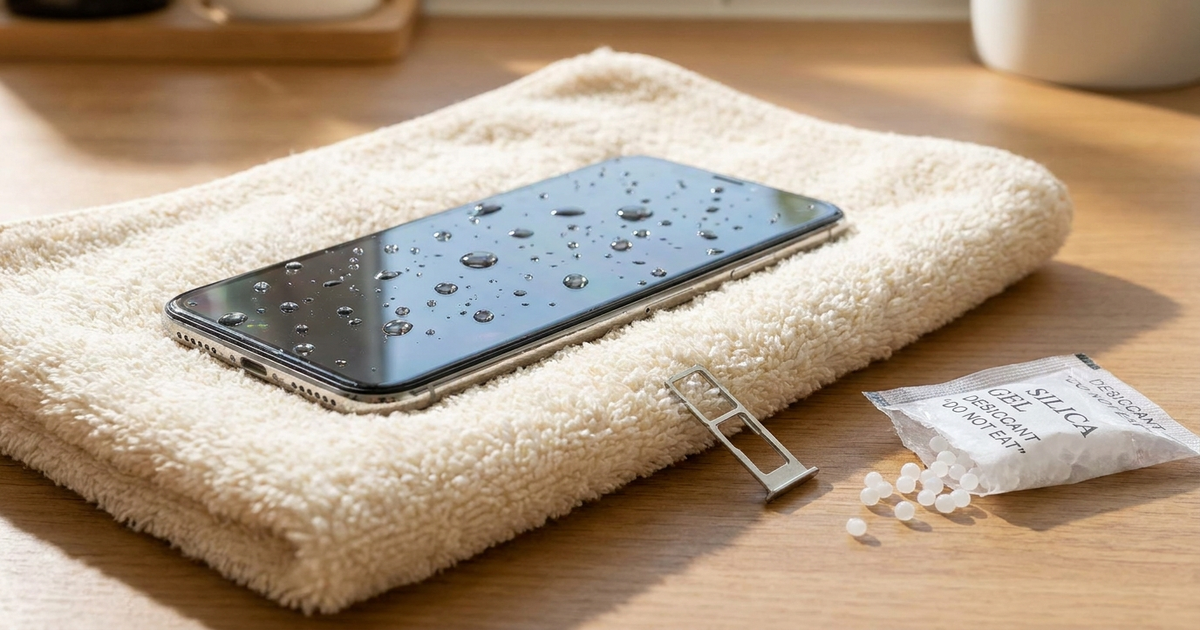
Take the phone out of the water, switch it off, and take off the case and SIM tray. Wipe the outside with a dry cloth and leave it somewhere dry and well ventilated. Don't charge it. Don't put it in rice, and don't use a hairdryer or compressed air. Apple says drying "might take up to 24 hours." If the liquid was salt water, pool water, soda or coffee, one extra step may help: a gentle fresh-water rinse, but only on an intact, water-resistant phone. The details of each step are below.
This is a research piece. I haven't water-tested phones myself. The figures below come from the sources linked, and where a number is a vendor's own claim, I say so.
What should you do in the first few minutes?
- Get it out and power it off. Current flowing through a wet board is what causes most of the lasting damage.
- Unplug anything attached. Remove the cable, case and any accessories. If the SIM tray is easy to open, take it out.
- Wipe the outside. Use a dry, soft cloth. Apple's guidance is not to push cotton swabs or paper towels into the port.
- Let it dry in open air. Apple says not to use an external heat source or compressed air. Rokform, a case maker, puts adhesive softening at about 120°F and battery damage risk above about 113°F, so a radiator or hairdryer works against you.
- Wait before charging. MyTechStation repeats Apple's advice to wait at least 5 hours after liquid exposure before charging with a cable, and says the port can take up to 24 hours to dry.
Does rice work?
No, and several sources go further and say it can hurt. Apple's support page says: "Don't put your iPhone in a bag of rice. Doing so could allow small particles of rice to damage your iPhone." iFixit's wiki says rice is the same as doing nothing. How-To Geek (October 3, 2026) says rice powder can mix with moisture into a paste inside ports, and traces the advice back to a June 2007 Lifehacker post.
The numbers are thin but consistent. El Cronista (October 6, 2026) summarises tests by Gazelle and specialist Scott S. Lyman. In a 24-hour test of 7 drying materials, raw rice came out worst, and open air beat all of them. How-To Geek claims silica gel is about 10 times as effective as rice. I'd treat the 10x figure as one outlet's claim, not a lab result.
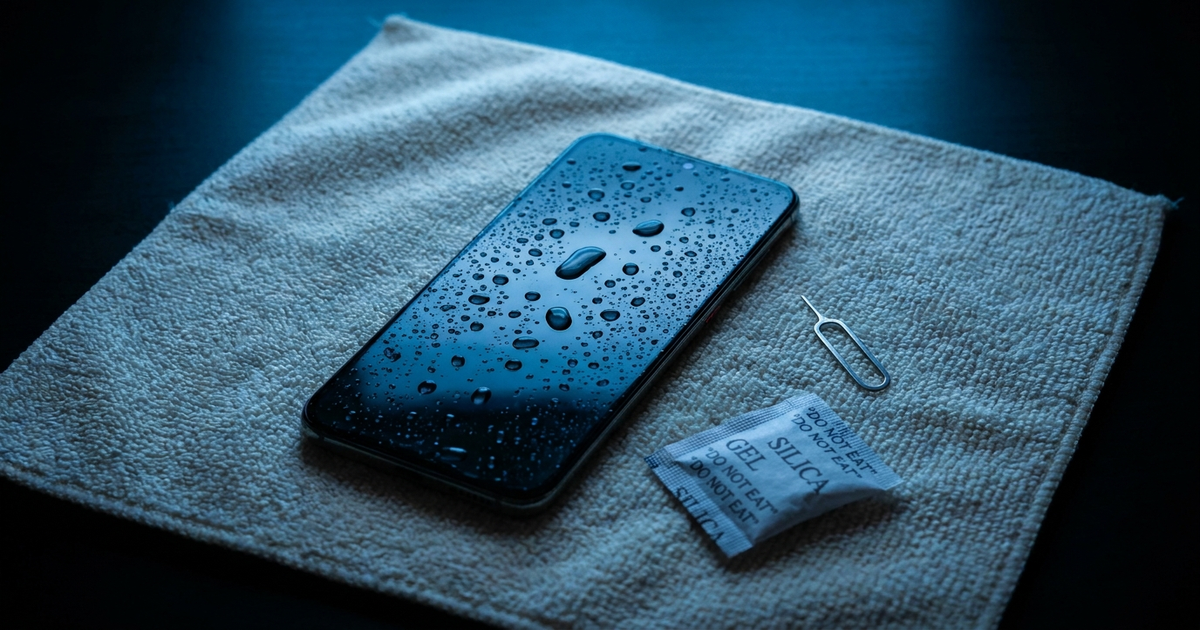
So why does everyone swear by it? A guide from the maker of the Speaker Cleaner app (a vendor with something to sell) says phones often dry on their own within 24 to 48 hours. That fits what most writers say: rice "works" mainly because it makes people leave the phone alone. The Verge's famous headline takes the opposite line, "Putting your wet phone in rice probably won't save it. But do it anyway," but that is a case for patience, not for rice. Some iFixit commenters report that rice worked for them, which is what you'd expect if the phone would have survived anyway.
The Verge's Vergecast hosts explain why rice won't help in the short above. I couldn't retrieve a transcript, so I'm not quoting it. For a look inside a water-damaged Samsung, MovilOne's repair teardown is the better full-length option.
What should you do for each type of liquid?
Few guides lay this out in one place, so here is my decision table. It is a synthesis of Apple's guidance and the MyTechStation summary of Apple and Samsung advice, not a lab result.
| Liquid | Rinse with fresh water? | Then |
|---|---|---|
| Fresh water | No need | Power off, wipe, air-dry, wait before charging |
| Salt water or pool water | Yes, gently, if the phone is intact and water-resistant | Dry as above; salt and chlorine corrode over time |
| Soda, coffee or other sugary drinks | Yes, gently, same conditions | Dry as above; sticky residue is the problem |
| Any liquid, but the glass is cracked | No | Water can enter through the crack; see a repair shop |
| Any liquid, older phone or one opened for repair | No | Seals may be gone; treat it as unprotected and get it checked |
Rinsing a phone with tap water sounds wrong, but the logic is that dried salt, chlorine and sugar do more harm than clean water. The rules about cracked glass and opened phones come from the same MyTechStation summary (October 20, 2026). That is a secondary source, so check your phone maker's own support page if you're unsure. And if you've had a screen or battery replaced, the seals may not be what they were. Our DIY phone repair risks, ranked covers why opening a phone usually ends its water resistance.
Is isopropyl alcohol a good idea?
It's contested. iFixit answers recommend 90%+ isopropyl alcohol and a toothbrush for cleaning a board, which is a job for someone who has the phone open. Others point out that ordinary rubbing alcohol is often only 70%, and one commenter says a dunk in weak alcohol is no better than water. For a phone you haven't opened, skip it. Apple's page doesn't recommend it for home use.
What do the charging alerts mean?
iPhone: the liquid-detection alert blocks charging. Apple lets you override it in an emergency, but warns that charging while wet can corrode the pins. If you must top up, wireless charging avoids the port, a workaround Anker covers in a video on phones that won't charge after water exposure.
Samsung: the "Moisture detected" warning is a frequent complaint. Users on iFixit and the Samsung Community report it staying on after the phone is dry and after factory resets, sometimes after a One UI update, and some ended up needing the charging port replaced. How-To Geek has a guide to clearing it. If the warning persists after a day or two of drying, a port inspection is the next step.
What if it turns on again?
Treat that as a window, not an all-clear. A Sydney repair shop says symptoms such as camera fogging, speaker distortion and random shutdowns can appear days after exposure. That's a shop's own claim, but it matches how corrosion works. Back up photos and files straight away, using iCloud or Google sync, before the phone gives out. Data recovery from a dead phone is expensive: Rokform quotes $300 to $1,500+. The Gazelle test summary backs up the idea that outcomes vary by model. Every Galaxy S III (removable battery) in a batch of 9 recycled phones worked after drying, but most iPhone 4 and 3GS units corroded beyond repair.
Do water-eject sound videos work?
Partly. The Verge, as reported by PhoneArena, found the buzzing-tone videos do push water out of speaker grilles "but not necessarily flawlessly." Dexerto concluded they're about as good as rice. Most claims, such as the 165 Hz tone that runs about 30 seconds in the Speaker Cleaner app, come from vendors. Nobody has tested the tones properly across phone models. They won't reach water inside the board.
What does water damage repair cost?
| Option | Cost | Source and caveat |
|---|---|---|
| Independent shop, typical repair | About $150–$350, 3–6 hours, 90-day warranty | One Sydney shop's own figures, October 2026 |
| Cleaning only | $79–$150 | Rokform, a case maker |
| Logic board repair | $150–$400 | Rokform |
| Apple out-of-warranty "major damage" tier (US, Sept 2025 pricing) | $599 iPhone 17, $699 iPhone Air, $749 17 Pro, $799 17 Pro Max; $99 with AppleCare+ | 9to5Mac; older than six months, so check current prices |
Rokform cites Allstate data saying water causes about 21% of smartphone damage incidents, and puts professional success at 60–80% for fresh water treated within 24 hours. Standard warranties generally don't help. Apple's excludes liquid damage, and Google's limited warranty is void after liquid damage, even on IP68 phones. Apple also says water resistance "is not permanent and can decrease" with wear. Whether a repair is worth it on an older handset is a separate call: once the quote passes roughly half the phone's resale value, replacing it often makes more sense.
FAQ
How long should I wait before charging a wet phone?
Apple's advice, as repeated by MyTechStation, is at least 5 hours before using a cable, and the port can take up to 24 hours to dry.
Does an IP68 phone need any action after a dunk?
If it was fresh water and the phone looks and works normally, wiping and air-drying is usually enough. For salt water, pool water or sugary drinks, a gentle fresh-water rinse is the advice, provided the phone is intact. IP ratings weaken with age and repairs.
Can I get my photos off a dead phone?
Sometimes, through a repair shop. Recovery is costly, so sync or back up before anything else if the phone powers on.
Will AppleCare cover it?
Standard warranty doesn't cover liquid damage. AppleCare+ brings the major-damage tier down to $99, according to 9to5Mac's 2025 pricing report.
Sources: Apple Support — liquid-detection alert · Apple Support — splash, water and dust resistance · How-To Geek — rice won't save your wet phone · El Cronista — Gazelle drying test summary · MyTechStation — wet phone, skip the rice · iFixit — do not put your device in rice · 9to5Mac — iPhone 17 repair costs · Rokform — phone water damage repair · Sydney CBD Repair · How-To Geek — Samsung moisture warning
Updated October 2026
Transparency note: This article was researched and written by Chester Takau with AI assistance for research gathering and drafting. All recommendations reflect the author's own editorial judgment.